SEW myHR UYOD App
Aufgrund der technischen Terminologie ist der Projektplan in Englisch verfasst.
Status Quo
SEW currently faces significant challenges in providing HR services to blue collar workers:
- No dedicated devices for blue collar workers, making temporary workers poorly connected
- Time representatives (Zeitbeauftragte) handle all time services at roughly 1:100 ratio
- Legacy SAP HCM system (~1997) with many in-house
ABAPdevelopers - Information distributed via bulletin boards (Litfaßsäulen)
- Existing browser-based PoC has limitations:
- No data encapsulation
- Cannot pass through permissions properly
- No distinction between internal and external user rights
Current system landscape includes Oracle HCM for newer functions while time management remains on legacy SAP P02.
Goal
For production management, it must be proven that time and absence services can be used via app on unmanaged devices for blue collar workers in order to save time and administrative costs (for example, vacation requests).
For the works council, it must be demonstrated that the integration of blue collar employees is making concrete progress. For example, in the form of internal job postings and application processes.
From a technical perspective, it must be proven that myHR (Oracle HCM and SAP HR) can be permission-limited for unmanaged devices. Usability and employee acceptance must also be demonstrable. In addition, SEW security standards must be taken into account.
Primary Focus
The solution focuses on blue collar workers (Werker) in Germany as the primary user group, with the capability to extend access to all SEW employees. The app should provide an intuitive, lightweight interface that doesn't overwhelm users while maintaining high security standards and SEW's corporate design identity.
Business Case
The works council and management require proof that time management services can be controlled via app on unmanaged devices to save time and administrative costs.
- Save HR capacity for manual / workaround processes
- Distribute information to future employees not in myHR, again to cut down on manual processes
- Reduced need for time representatives (currently ~1 time manager per 100 employees)
Key Requirements
Usability & User Experience
- Easy and intuitive operation for all skill levels
- Focused, streamlined functionality
- Clear navigation across all features
- Seamless transitions between different tools and systems
- Unified look & feel consistent with SEW corporate design
- Multi-language support (German and English minimum)
- Print and export capabilities for necessary documents
Technical Requirements
Prove technical feasibility for:
- Authentication & authorization on unmanaged devices
- Mobile device management (MDM)
- Usability & user acceptance
- High security standards compliance
- Simple setup and onboarding process
- Integrated support process
Functional Scope
Technical Proof-of-Concept
| Service Area | Features |
|---|---|
| Recruiting | Limited access to application processes and training enrollment |
| Authentication | Technical PoC of the authentication flow on unmanaged devices, using SEW's cloud infrastructure (Entra ID) |
| Deployment | Deploying the application services on SEW's infrastructure, with a public domain and SSL |
Minimum Viable Product (MVP)
| Service Area | Features |
|---|---|
| Recruiting | Access to application processes and training enrollment |
| Time Management | Time entries (vacation, sick leave), time clock access |
MVP Phase 2
| Service Area | Features |
|---|---|
| Intranet | Access to company intranet |
| ATOSS | Shift planning |
| Yokoy | Travel expense reimbursement |
Full Rollout
| Service Area | Features |
|---|---|
| Calendar | Access to calendar |
| Helpdesk | myHelp ticket system |
| Teams | MS Teams/Chat access |
Security & Compliance
- User acceptance with familiar look & feel
- Unified UI across systems (Oracle HCM compliant, ATOSS may need new UI)
- IT security & device management compliance
- SEW corporate design standards
- Data protection and privacy controls
Required Support from SEW
| Requirement | Priority | Needed By |
|---|---|---|
| Azure Entra ID enterprise application & SSO configuration for authentication on unmanaged devices | High | Sprint 1 |
| VM, or access to Kubernetes, or an Azure cloud environment for deployment of the UYOD services | High | Sprint 2-3 |
| Public domain with SSL for testing with workers | Medium | Sprint 2-3 |
| Support for security & privacy guidelines from SEW | Medium | Sprint 1-3 |
| SEW Design guidelines | Medium | Sprint 1-3 |
Solution Space
Device Strategy
| Device Type | Status | Scope |
|---|---|---|
| Managed User Devices | PoC running | Out of scope |
| Managed Terminal Devices | PoC running | Out of scope |
| Unmanaged User Devices (BYOD) | No PoC | In scope |
Technical Architecture
Current Integration Flow
graph LR
    User[User] --> SAP[SAP Fiori Launchpad]
    SAP --> Oracle[Oracle myHR]
    SAP --> Legacy[SAP P02 Legacy]

    classDef current stroke:#0277bd,stroke-width:2px
class User,SAP,Oracle,Legacy currentChallenges:
- Complex integration requiring deep links
- SAP UI5 Launchpad in browser
- SAP time tracking currently with SSO in new browser window
- Smart card authentication (MIFARE chips) being updated
- Employees don't know their AD passwords
User Journey & Personas
Target Personas
- Pre-boarding Users (future employees)
- Blue Collar Workers without managed devices
- Workers with stationary devices
- Management users
Core User Journeys
Use Cases Overview
| Use Case Type | Name | Description | Involved IT Tools |
|---|---|---|---|
| Recruiting | Pre-Boarding of Pending Workers | Employees who have signed a work contract with a future start date need access to application and onboarding processes | Oracle HCM |
| Recruiting | On-Boarding of Pending Workers | New employees need access to onboarding and learning processes on their start date | Oracle HCM |
| Recruiting | Internal Applications | All SEW employees must be able to participate in the internal application process | Oracle HCM |
| Recruiting | Internal Job Market | Employees without PC access must have access to the internal job market (replaces printed job postings) | Oracle HCM |
| Learning | Course Enrollment and Cancellation | Employees without PC access should be able to enroll in training courses and cancel registrations if needed | Oracle HCM |
| Learning | Participation in Training | Employees without PC access (blue collar workers and pending workers) should be able to participate in online training | Oracle HCM |
| Learning | Access to Learning Catalog | All SEW employees should be able to search for available learning courses at SEW | Oracle HCM |
| Time Management | Employee Self Services | Employees without PC access need access to absences, time bookings, forms (time records, pay stubs), team calendar, and mobile time tracking | SAP P02 |
| Intranet | Personnel Information Research | Employees without PC access should be able to research important information from HR department and SEW news (benefits, T-Zug, ATV) | Intranet |
| Intranet | Personnel Publications Research | Employees without PC access should be able to research company agreements, personnel information, and organizational instructions | Intranet |
| Helpdesk | Access to myHelp Ticket System | All SEW employees should be able to open new tickets and view status information on existing tickets | myHelp |
Current vs Future Touchpoints
Current:
- Time booking terminal / "time clock" with notifications
- Time officer for minor time corrections
- Clerk for payroll questions
- Supervisor for additional requests
Future:
- In-app help desk replacing clerks and time officers
- Supervisor remains for "special processes"
- Time booking terminal with signals for open tasks/messages
Development Approach
Design Sprint Process:
- User research and requirements gathering
- Prototype development and testing
- Iterative improvement based on feedback
User Acceptance Testing:
- Test management tool setup
- Automation tools configuration
- Metrics and monitoring tools
- Test data generation
- 3-tier staging environments for on-premise systems
- 2-tier HCM (Q-System very production-like)
Proposed Solution
-
App Features
- Separation of business and private data
- Push notifications for news and time booking conflicts
- Screenshot/PDF download restrictions for data protection
- Differentiation between internal and external users
-
Authentication Options
- Passkey or One Time Token implementation
- Progressive Web App (PWA) vs pure browser solution
- Xamarin consideration for C# integration
-
Deployment Strategy
- Enterprise app publication via Play Store & App Store
- Closed user group distribution
- Self-explanatory initial setup
- Secure device restrictions and app sandboxing
Technologies
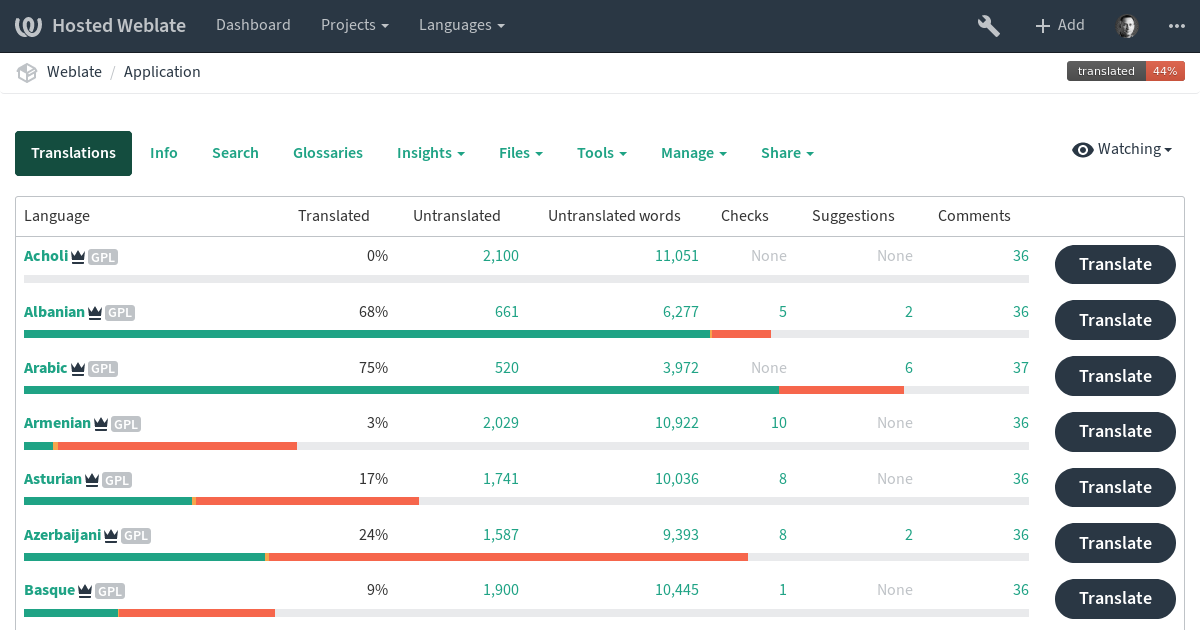
Weblate is an open-source translation tool
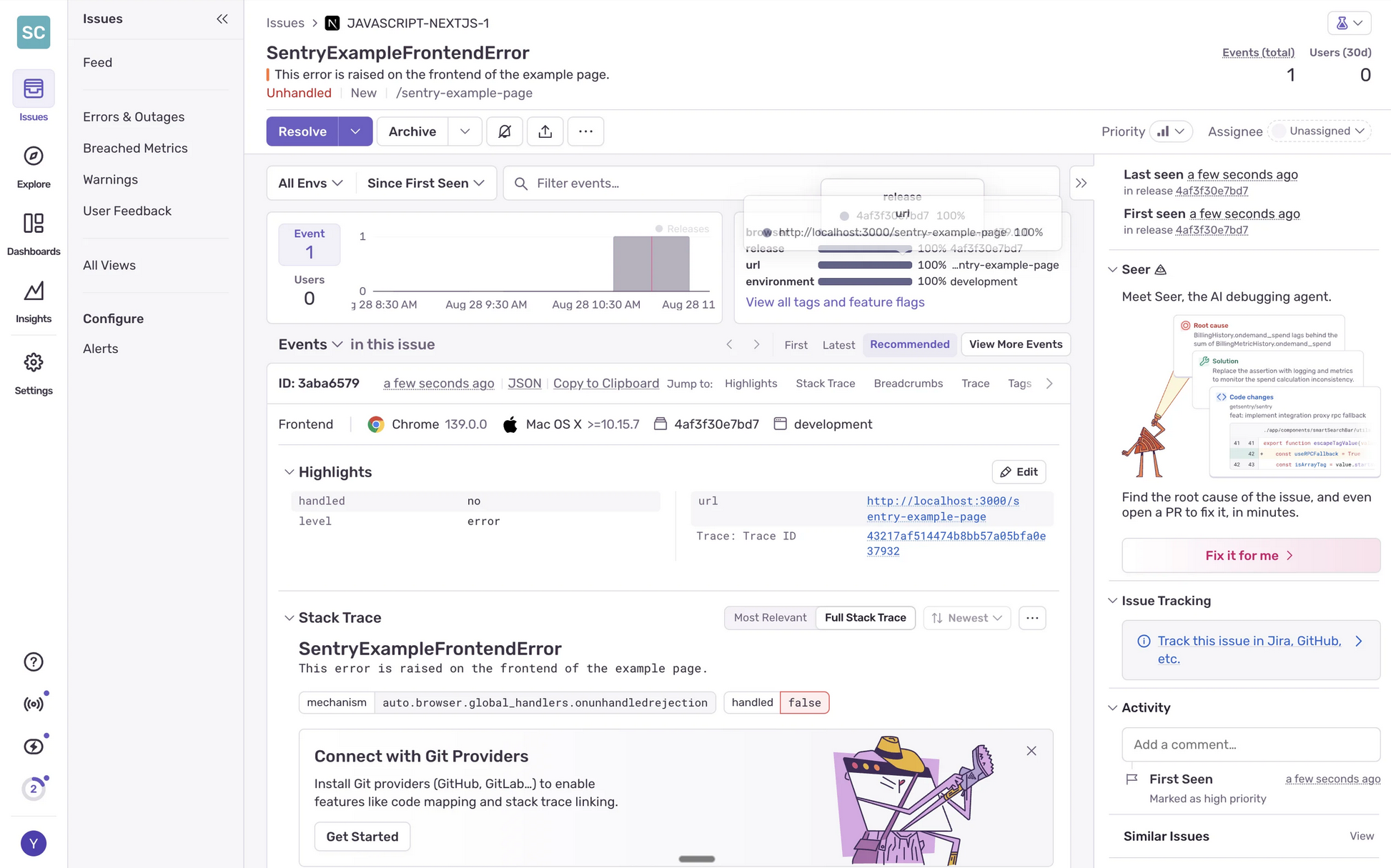
Sentry allows monitoring & error tracing across backend & frontend
Implementation Timeline
Timeline and work packages assume that access to SEW's infrastructure is complete in the first sprint and that support from SEW's IT is ongoing and quick.
Specifically authentication & authorization, as well as access to Oracle and SAP systems may turn out to be more difficult. Because of these risks, we propose a technical PoC to verify our assumptions and update this project plan.
gantt
    dateFormat YYYY-MM-DD
    axisFormat Sprint %U

    section Research & Design
    Research & Wireframe          :s1, 0, 4d

    section PoC Development
    Kickoff & Authentication      :s2, after s1, 8d
    Recruiting & Learning APIs    :s3, after s1, 6d
    PWA Frontend                  :s4, after s3, 5d
    Deployment & Testing          :s5, after s4, 11d
    PoC Complete                  :milestone, m1, after s5, 0d

    section MVP Development
    Timetracking Frontend         :s7, after s5, 7d
    Multi-language & SAP Connect  :s6, after s5, 10d

    section MVP Testing & Rollout
    Testing & UAT                 :s8, after s6, 11d
    Feedback & Rollout            :s9, after s8, 8d
MVP Complete :milestone, m2, after s9, 0dWork packages
Work packages and budget include the technical PoC and the MVP phases.
| Work Package | Duration |
|---|---|
| Technical research into existing SEW IT infrastructure | 2 Days |
| Wireframe of app with unified interface design and intended login flow | 2 Days |
| Workshow with SEW IT to kick-off implementation | 4 Days |
| Implement PoC authentication flow with SEW's Entra ID, or a one-time link flow | 4 Days |
| Implement application process API | 3 Days |
| Implement training enrollment API | 3 Days |
| Build PWA frontend with application process & training enrollment functionality | 5 Days |
| Add monitoring & error tracing functionality | 2 Days |
| Deploy PoC in SEW infrastructure | 3 Days |
| Test first PoC with blue collar workers | 6 Days |
| Implement multi-language support with weblate | 3 Days |
| Connect to SAP P02 for timetracking with OAuth 2.0 workflow | 5 Days |
| Implement timetracking API suitable for UYOD frontend | 2 Days |
| Implement timetracking UI | 5 Days |
| Build mock SAP interface for testing | 2 Days |
| Test strategy & manual testing | 5 Days |
| User acceptance testing of MVP | 6 Days |
| Implement feedback | 4 Days |
| Rollout of MVP | 4 Days |
| Project Management & Meetings | 8 Days |
| Total Duration | 78 Days |
Outlook
We estimate an additional 80 days for MVP Phase 2 and a product rollout, with these assumptions:
- Most additional services are simple to embed into an app with SSO
- 1-2 of the services require a dedicated API service to send & receive data
- Part of the rollout is training material for SEW's support team, so it can handle L1 & L2 support
After the full rollout, we estimate around 1000€/month for an SLA that covers a baseline of ongoing L3 support, as well as security updates for a PWA version of the app. Additional support work is billed through daily rates.
There are no additional license costs.
Rollen und Kosten
Rollen, Kosten, und der rechtliche Rahmen sind analog zum Rahmenvertrag wieder in Deutsch verfasst.
| Rolle | Level | Tagessatz | Tage | Gesamtkosten |
|---|---|---|---|---|
| Backend Engineer | Technology Specialist IV | 1,120.00 € | 42.00 Tage | 47,040.00 € |
| Frontend Engineer | Technology Specialist III | 1,008.00 € | 26.00 Tage | 26,208.00 € |
| Project Owner | Project Management IV | 1,344.00 € | 10.00 Tage | 13,440.00 € |
| Gesamtkosten Entwicklung | 86,688.00 € | |||
| Reisekosten | 4,586.15 € | |||
| Fixkosten | 2,500.00 € | |||
| Gesamtkosten Netto | 93,774.15 € | |||
| Steuer (19%) | 17,817.09 € | |||
| Gesamtkosten Brutto | 111,591.24 € | |||
Rate Card
Es gilt die Rate Card aus dem Rahmenvertrag, Stand 2025:
| Bereich | Titel | Level | Stundensatz | Tagessatz |
|---|---|---|---|---|
| Technology Specialist | Senior Lead Tech Specialist | Technology Specialist VI | 180.00 € | 1,440.00 € |
| Lead Tech Specialist | Technology Specialist V | 161.00 € | 1,288.00 € | |
| Senior Tech Specialist | Technology Specialist IV | 140.00 € | 1,120.00 € | |
| Tech Specialist | Technology Specialist III | 126.00 € | 1,008.00 € | |
| Associate Tech Specialist | Technology Specialist III | 112.00 € | 896.00 € | |
| Developer | Technology Specialist I | 84.00 € | 672.00 € | |
| Project Management | Partner | Project Management VI | 230.00 € | 1,840.00 € |
| Senior Technical Executive | Project Management V | 187.00 € | 1,496.00 € | |
| Technical Executive | Project Management IV | 168.00 € | 1,344.00 € | |
| Senior Project Owner | Project Management III | 149.00 € | 1,192.00 € | |
| Project Owner | Project Management II | 133.00 € | 1,064.00 € | |
| Associate Project Owner | Project Management I | 112.00 € | 896.00 € |
Die oben skizzierten Projektrollen stellen ein Referenzteam dar. Sollte es bei der Besetzung der Projektrollen zu Abweichungen kommen, gilt folgende Rate Card. Das Projektvolumen bleibt unberührt.
ROI-Berechnung
Parameter
ROI-Analyse